A real code editor
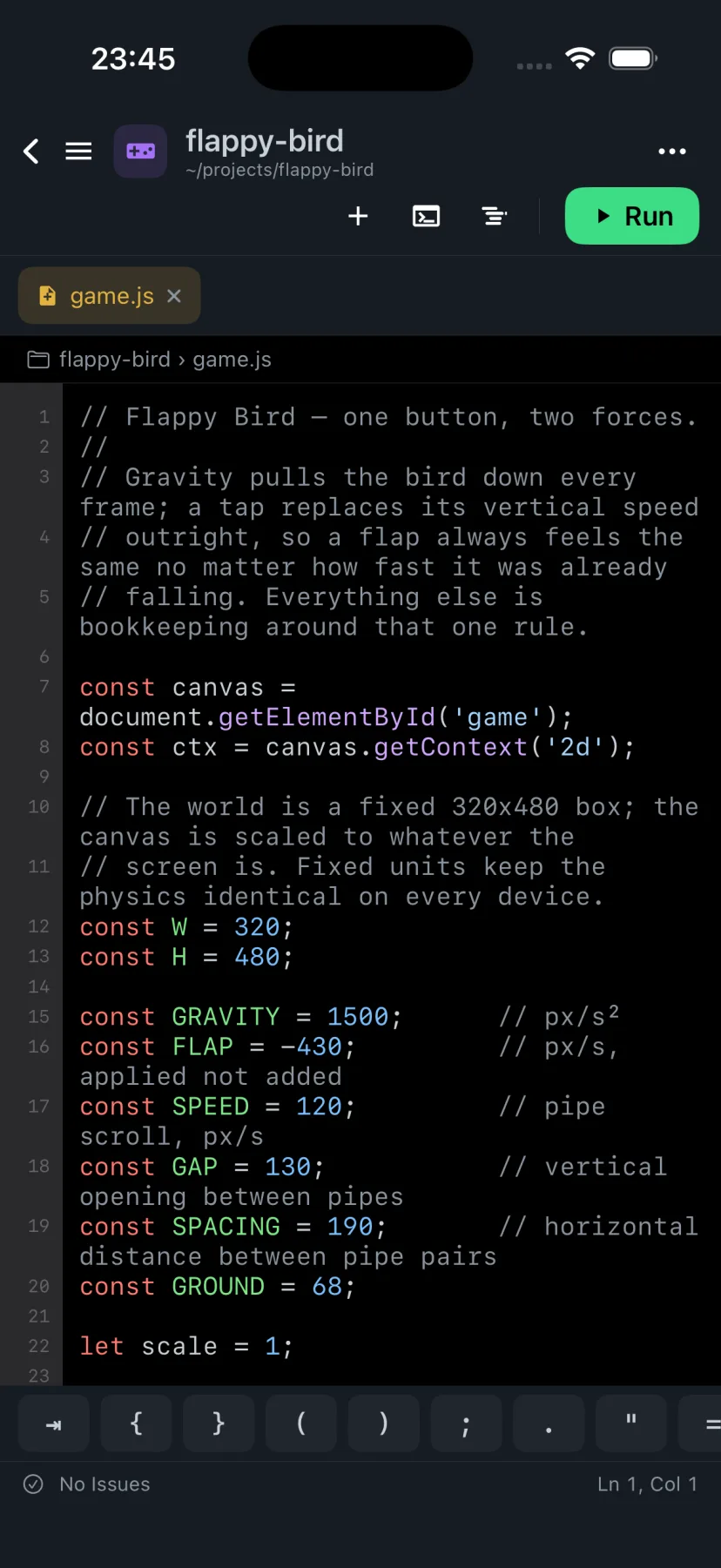
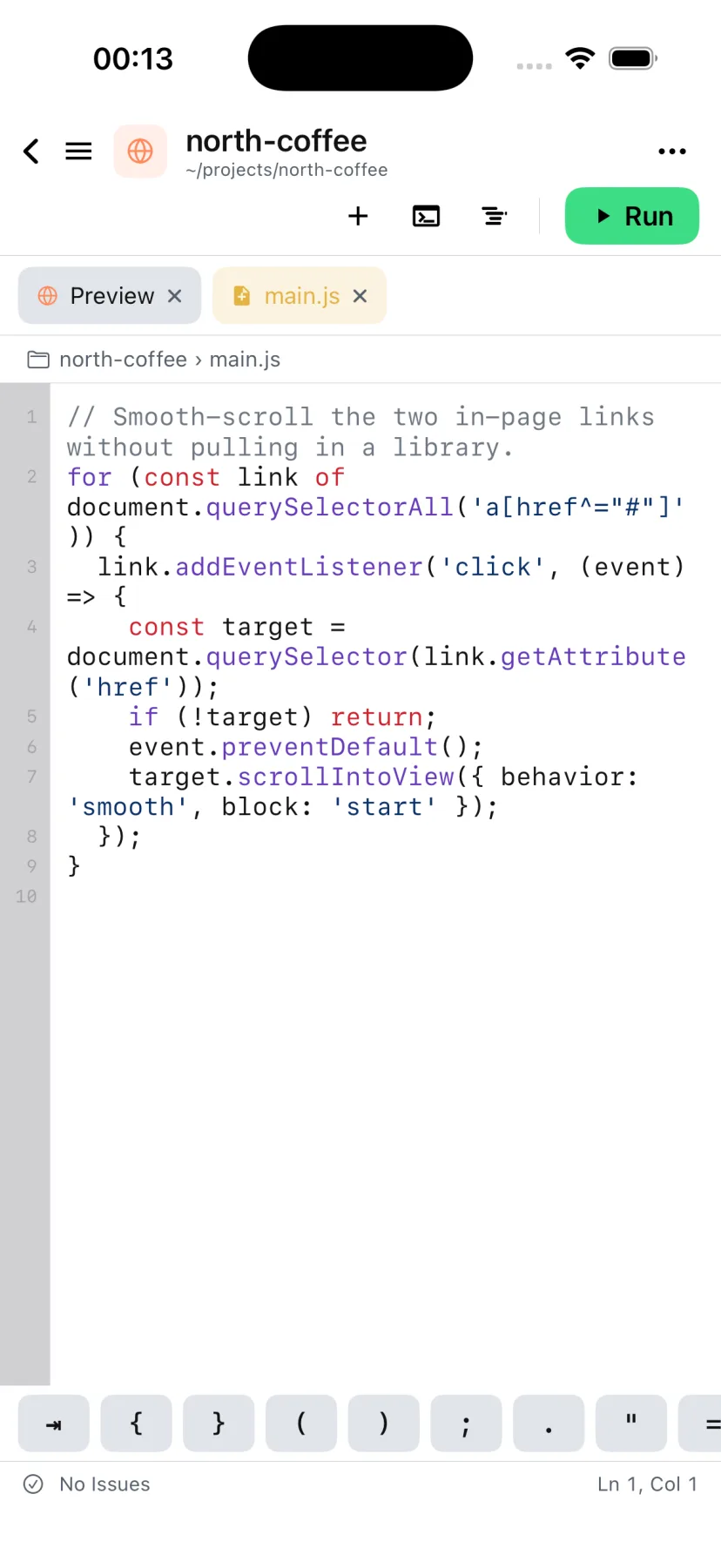
Tabs, syntax highlighting across dozens of languages, project-wide completion, find-in-file and a minimap. It behaves like the editor you already use.
Derle is a full IDE that fits in your pocket — a tabbed editor, a real Linux terminal, Git, live previews, and an AI assistant that edits the project alongside you. No laptop. No cloud VM.
Free to use. Derle Pro is optional.
Not a snippet editor with a preview pane. The whole loop — write, compile, run, debug, commit — happens on the phone.
Tabs, syntax highlighting across dozens of languages, project-wide completion, find-in-file and a minimap. It behaves like the editor you already use.
A full userland on the device — a shell, a package manager, compilers, Python, Node. Long builds keep running when you switch away.
Compile on the phone and run the result there too. On Android that goes all the way to a signed APK or AAB you can install from the build panel.
Stage, commit, amend, branch, fetch, pull and push, with real diffs. Clone over HTTPS or SSH, and keep saved SSH connections for your servers.
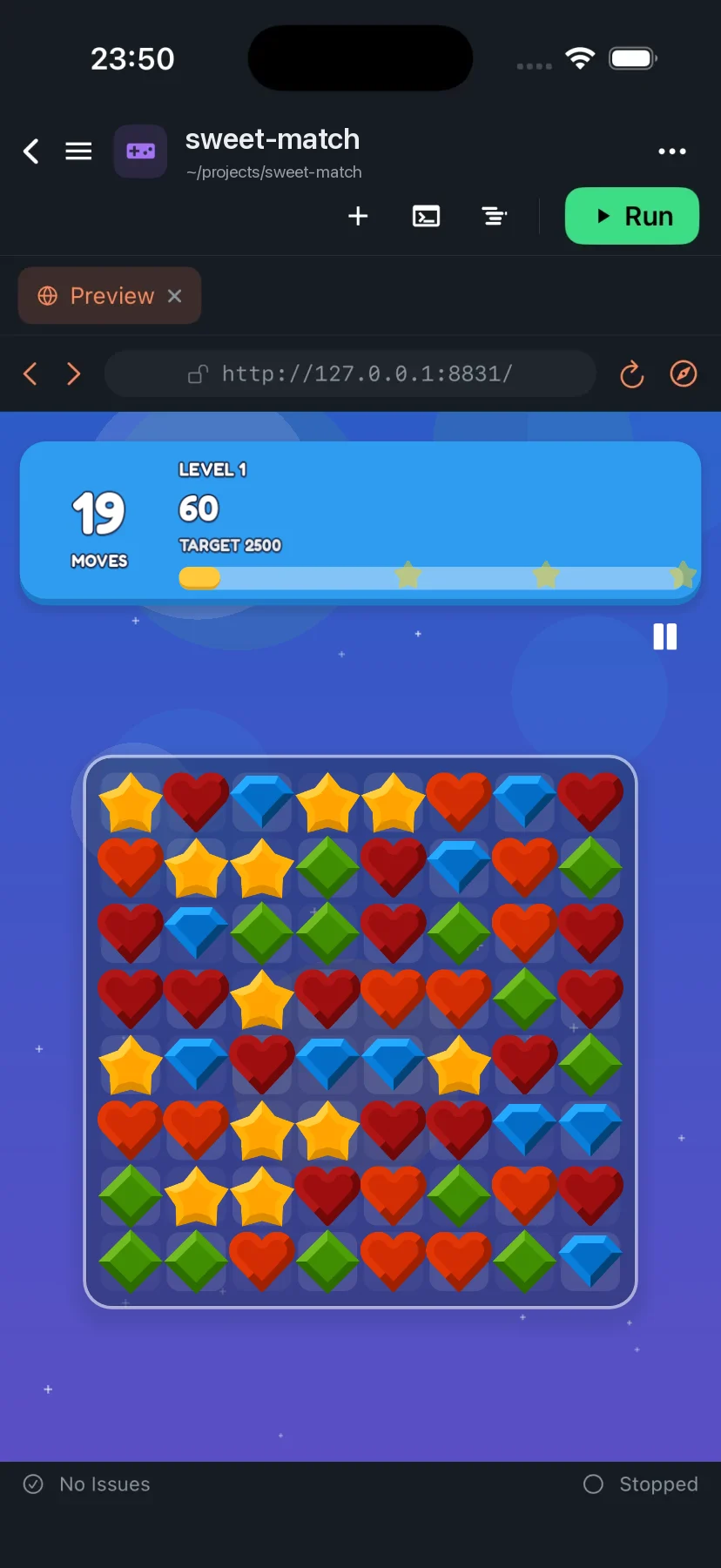
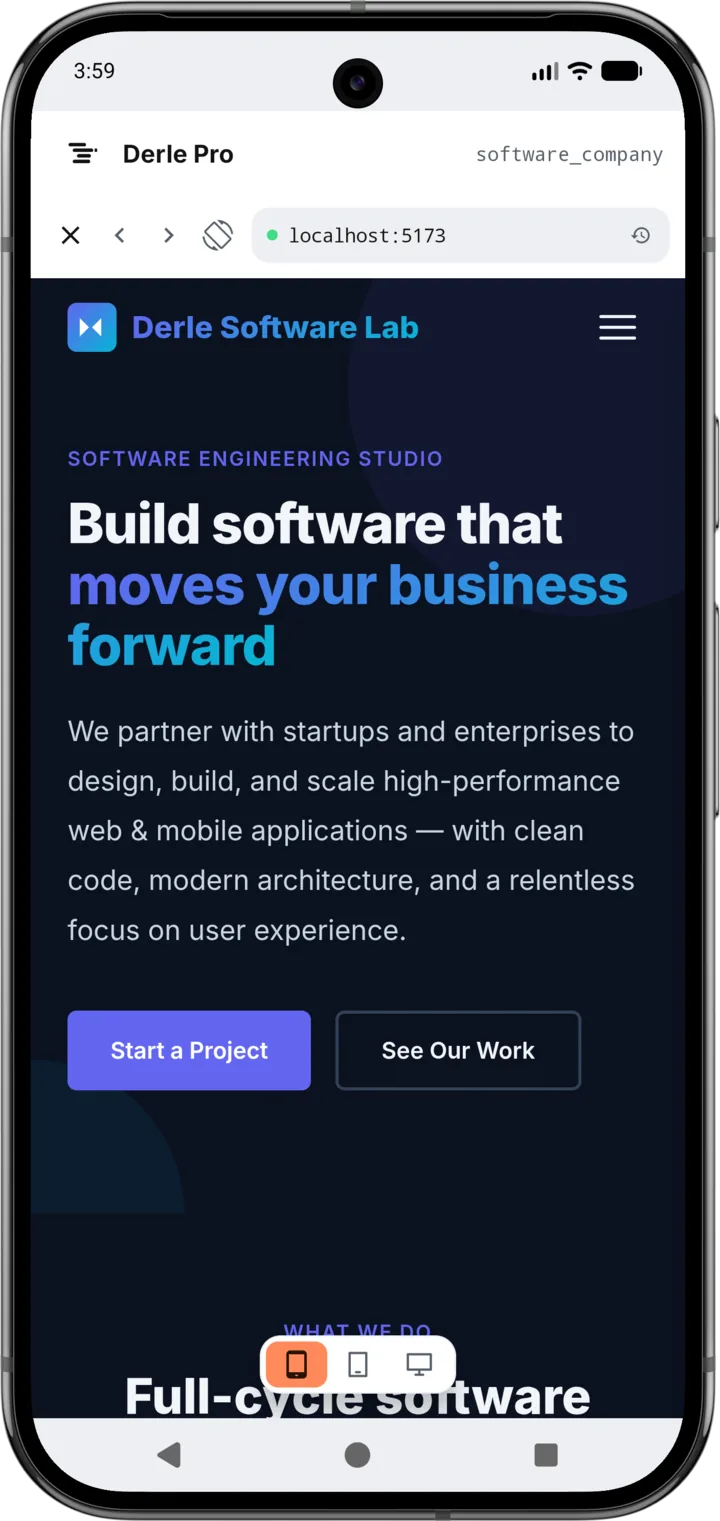
Serve a web project and see it in the Preview tab as you type. Design and JSX previews render inline, and Godot projects run in the engine itself.
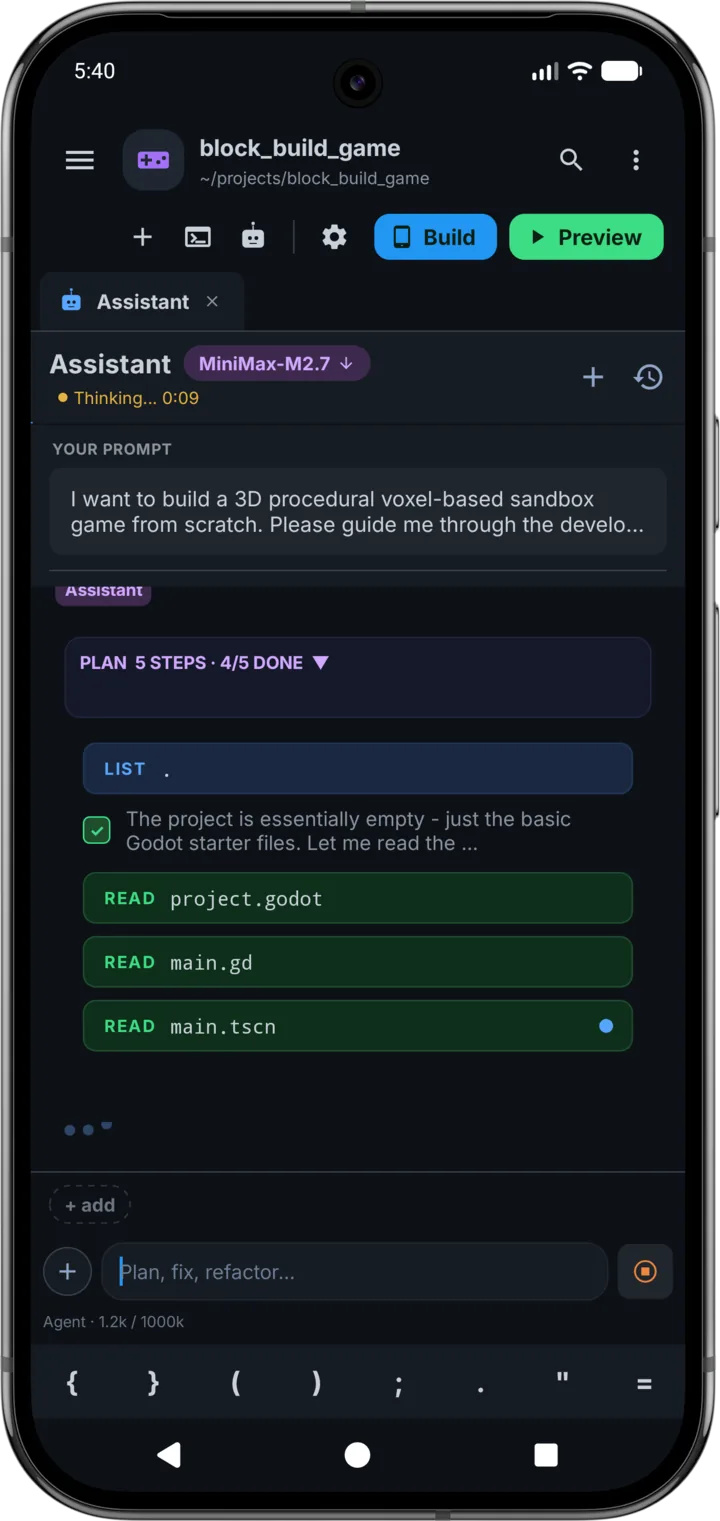
Not a chat box beside your code — an agent that reads files, writes them, greps the project and runs commands, with your approval and an undo point before every change.
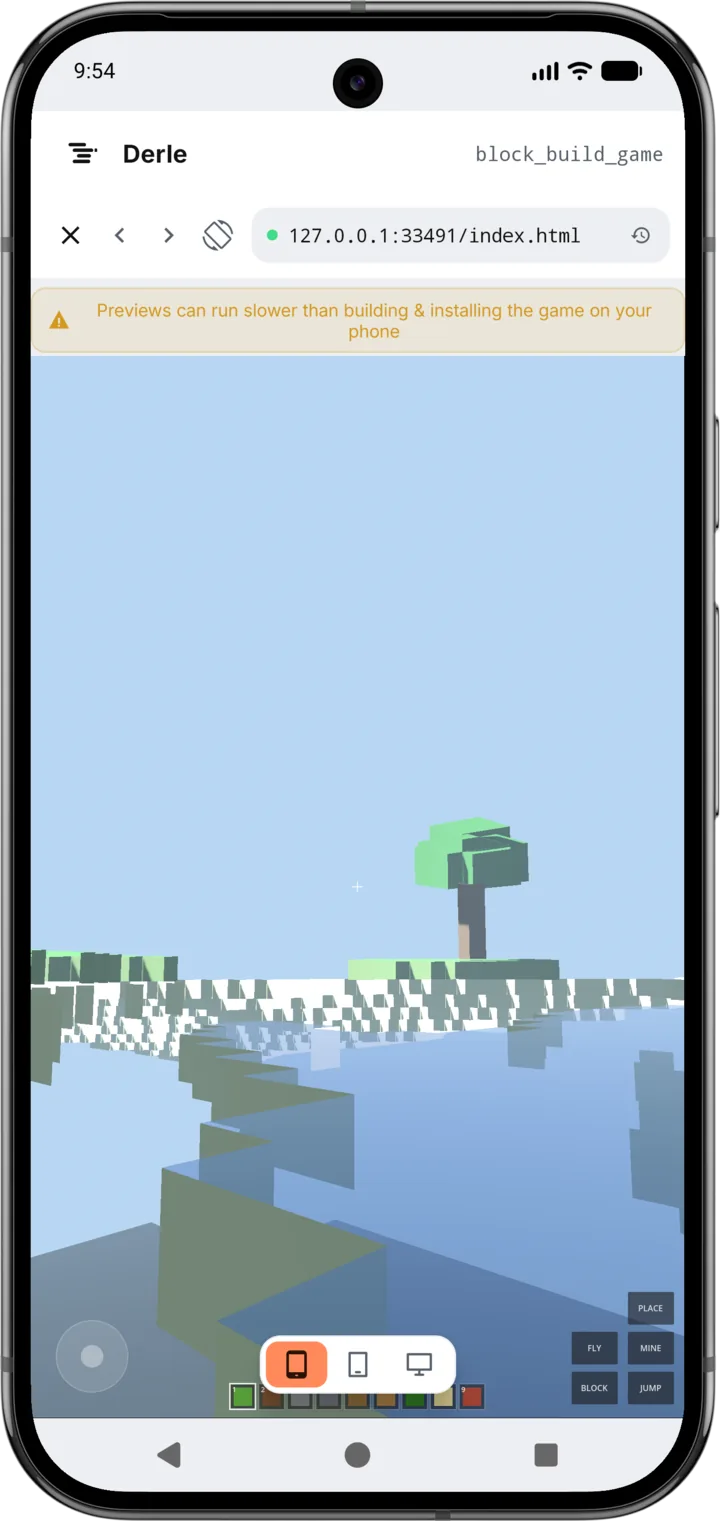
Godot projects run in the real engine here, not as a preview image. Change a script, hit run, and the game starts — then export it as an installable Android build when it is ready.
Ask for a feature and the assistant reads the files it needs, edits them, greps the project and runs the commands to check its work — then shows you the log of everything it touched.
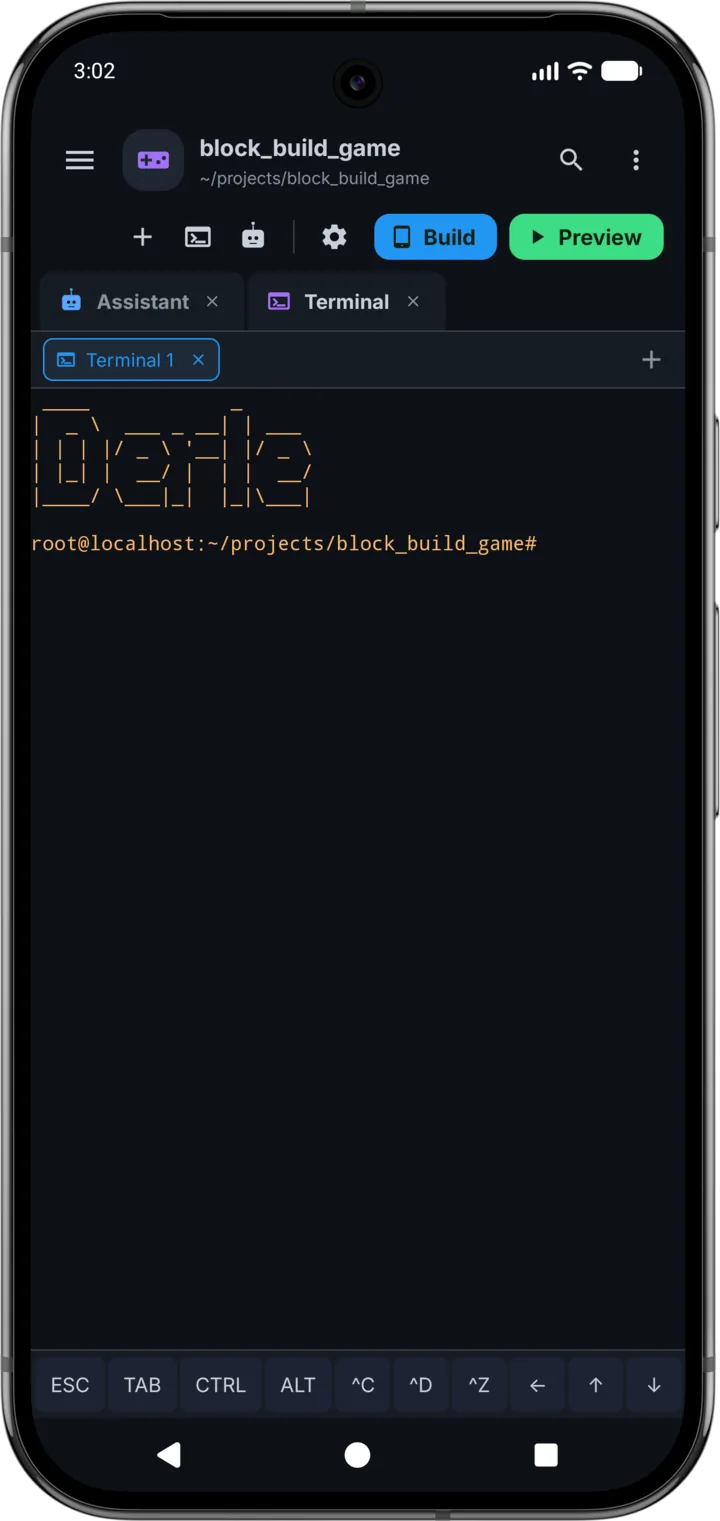
Not a shell emulator with twenty built-in commands. A real userland with a package manager, where pip install, npm run build and gcc do exactly what they do on a server.
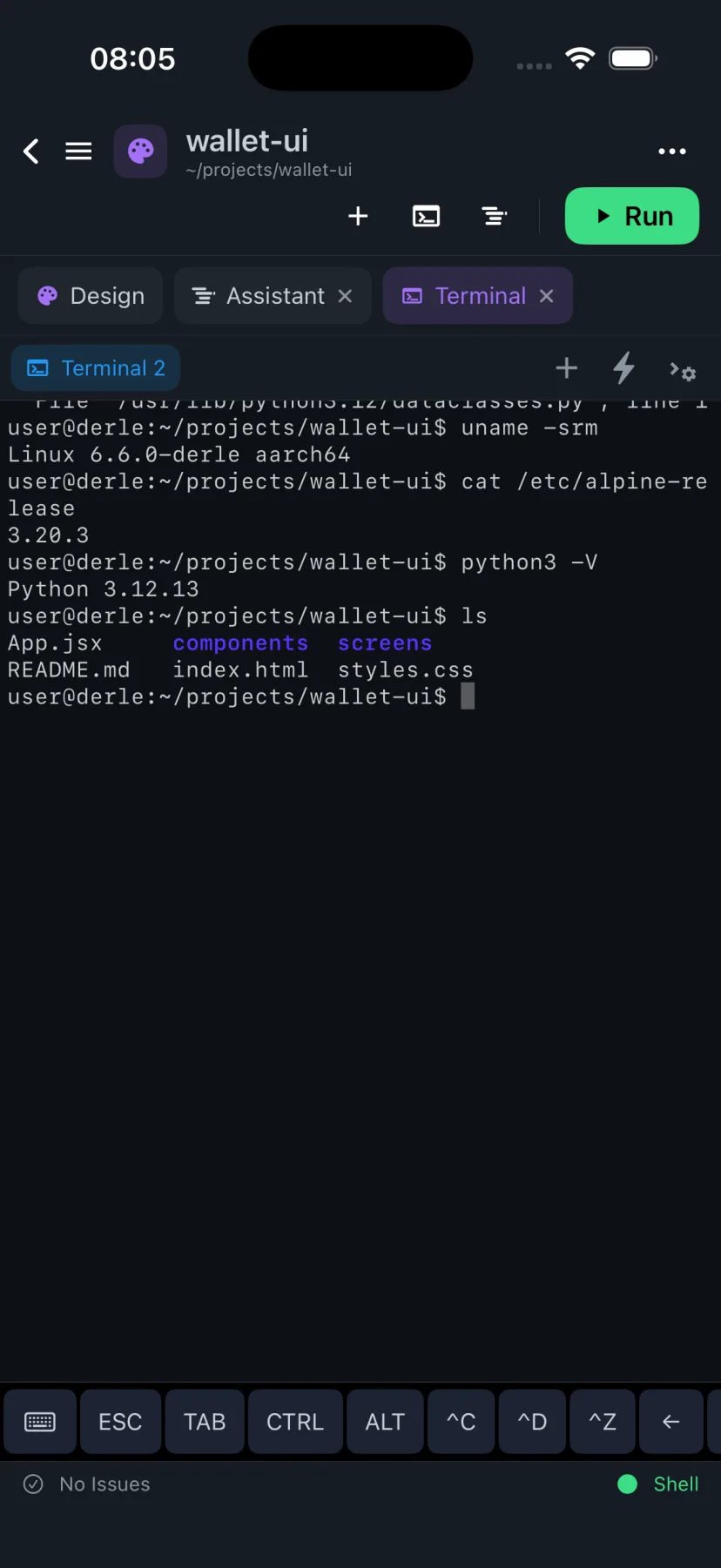
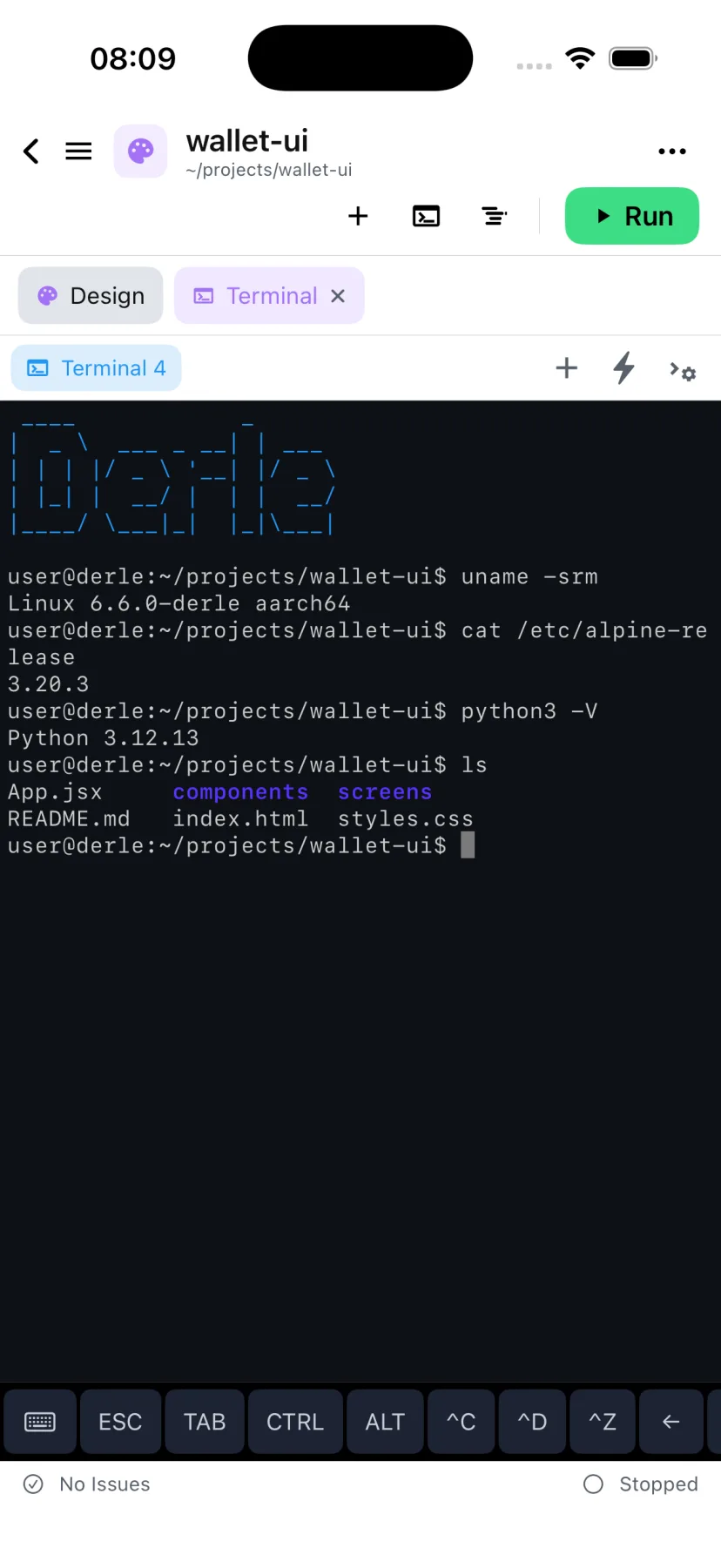
Start a project from a template, let the assistant fill it in, build it and install the result — without the phone ever leaving your hand.
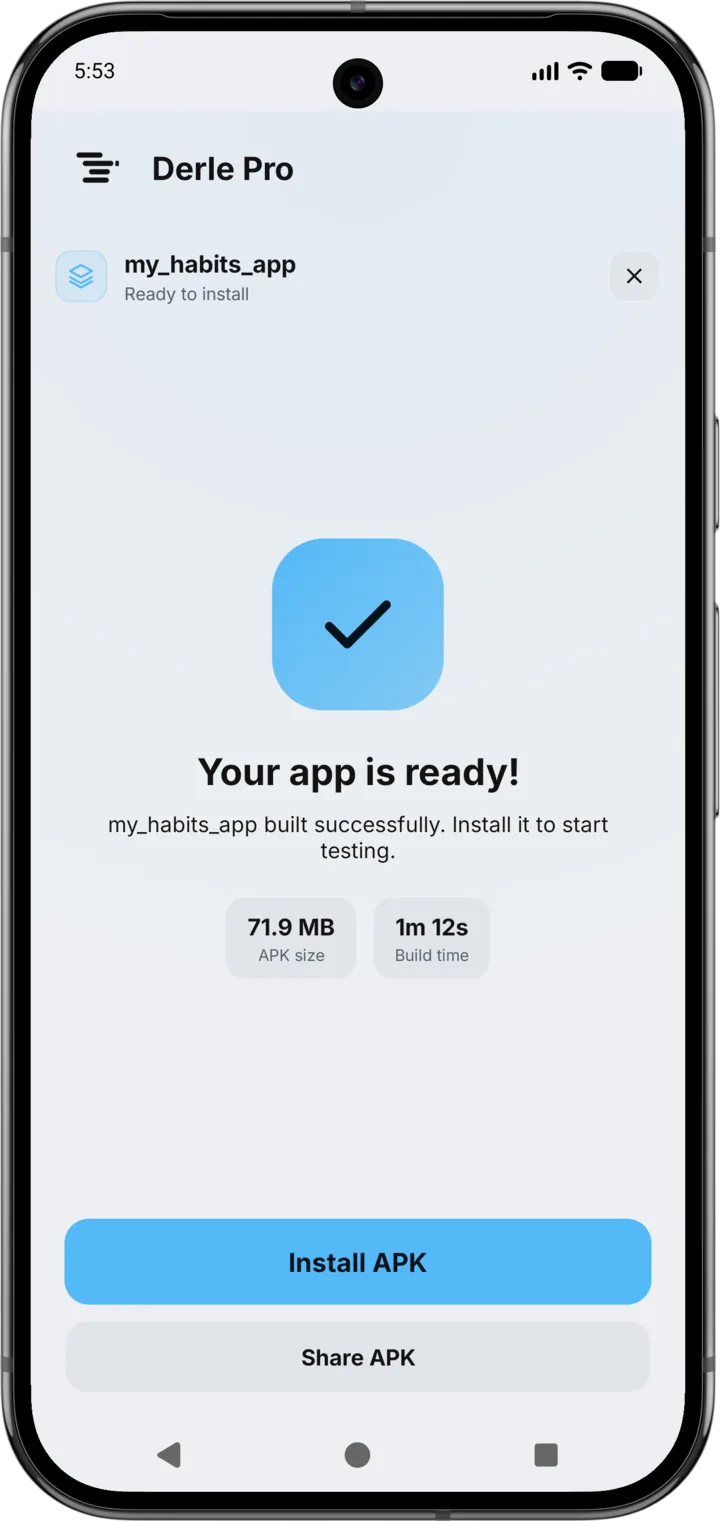
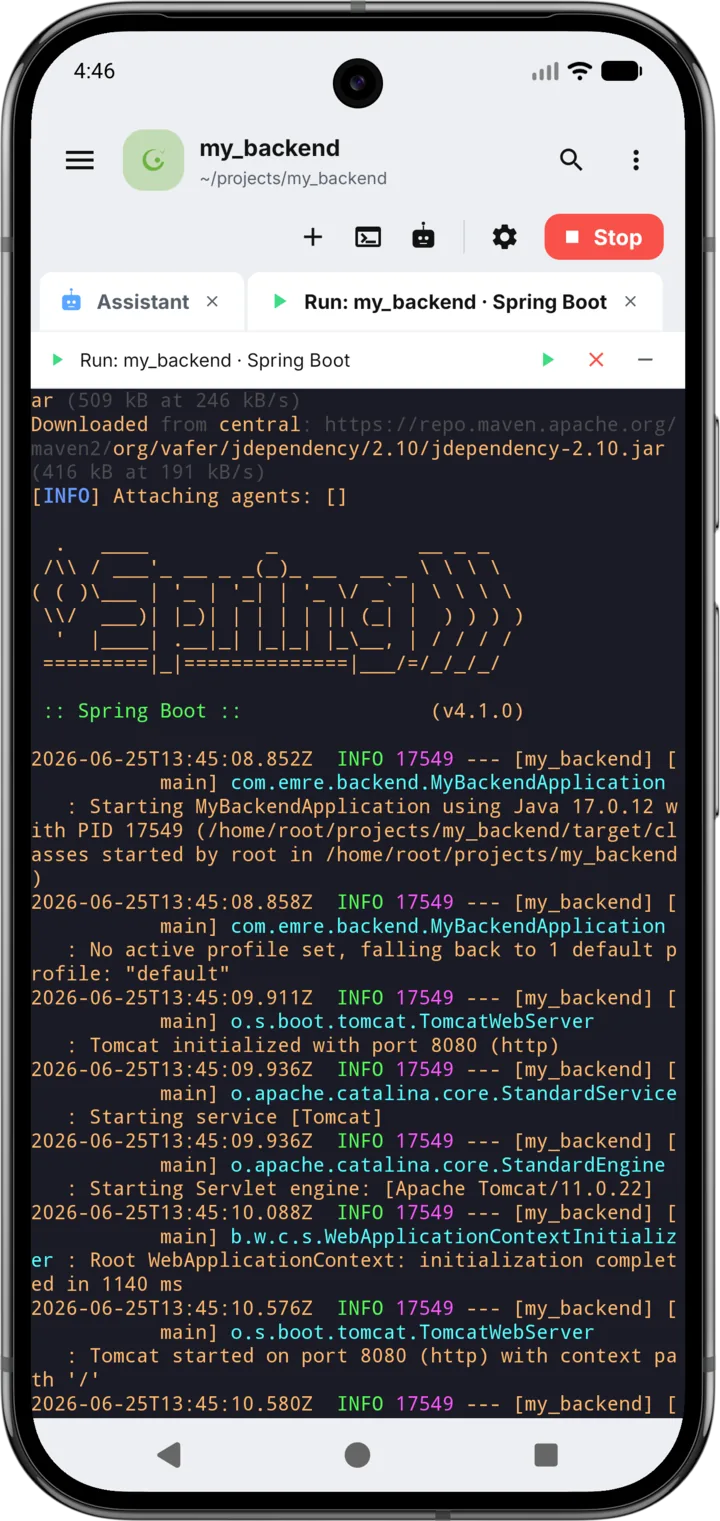
Not a port of a web editor: a SwiftUI app with an ARM64 Linux emulator inside it, so the terminal, the toolchains and the previews all run on the device. Every screenshot below is the iPhone build, in the theme you are reading this in.
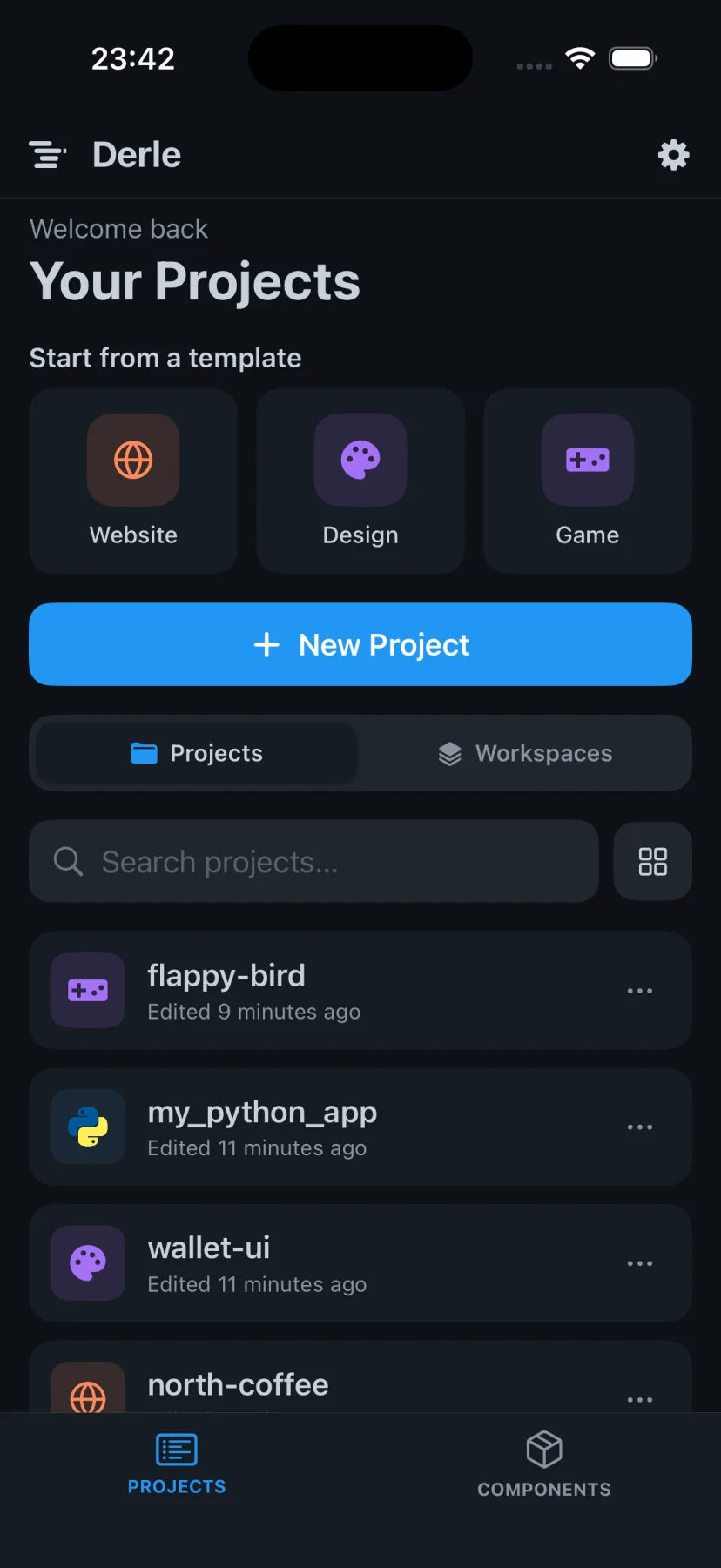
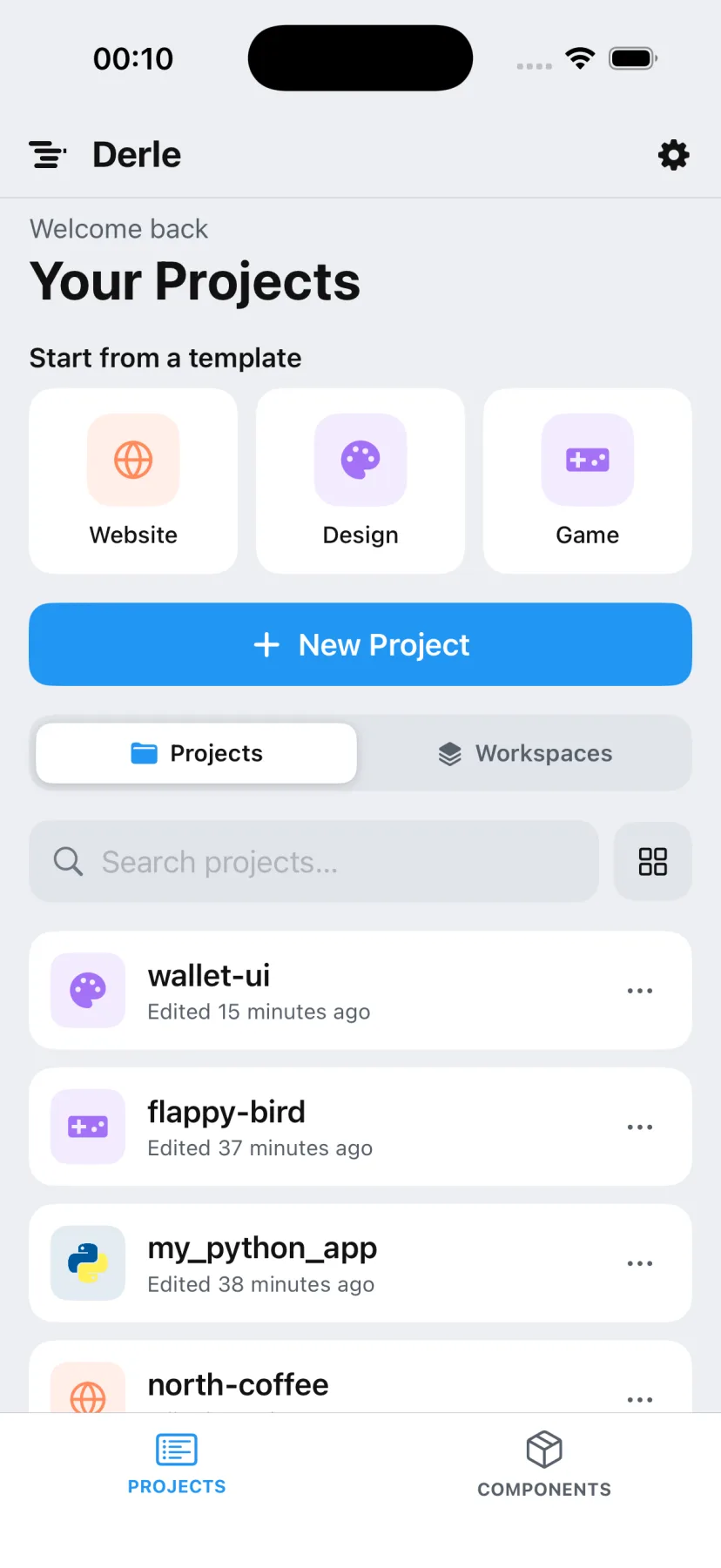
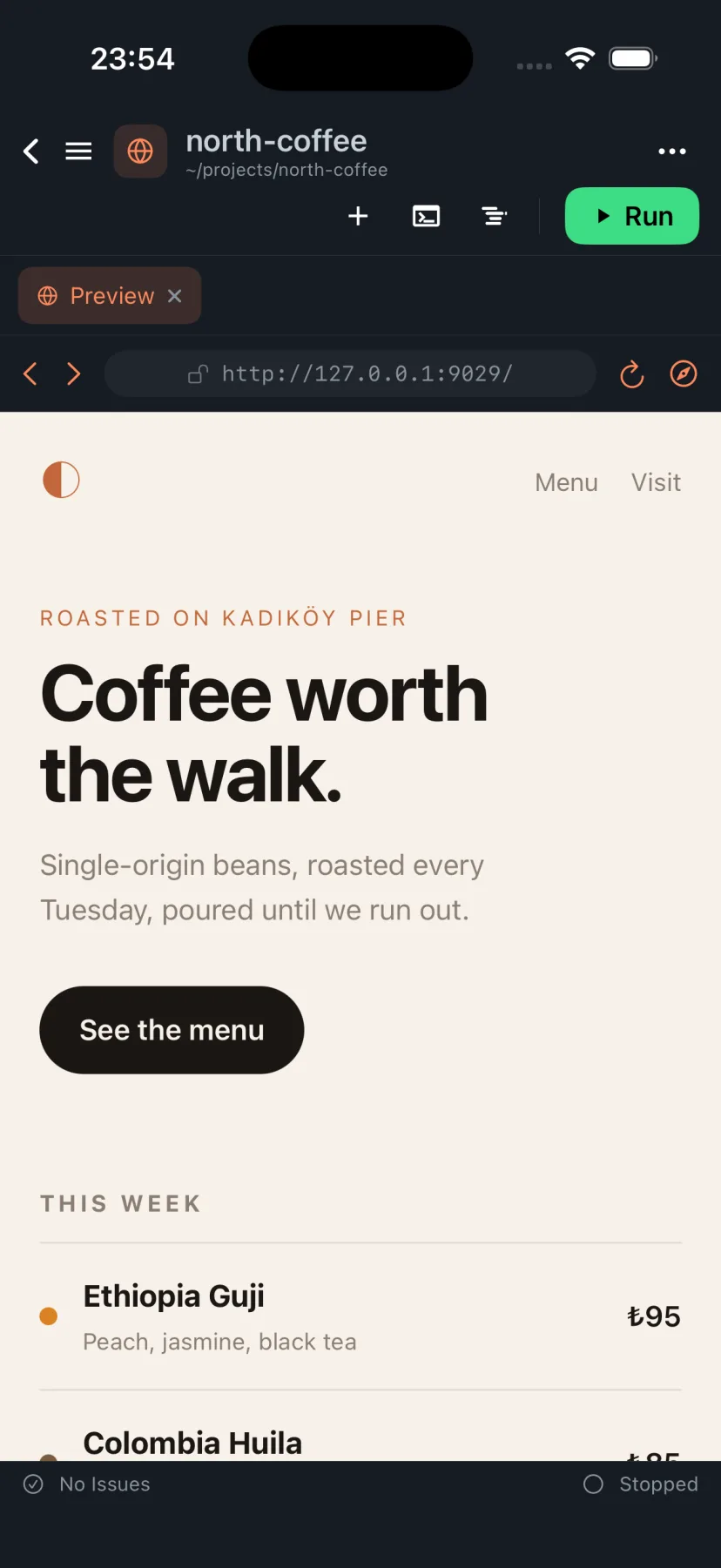
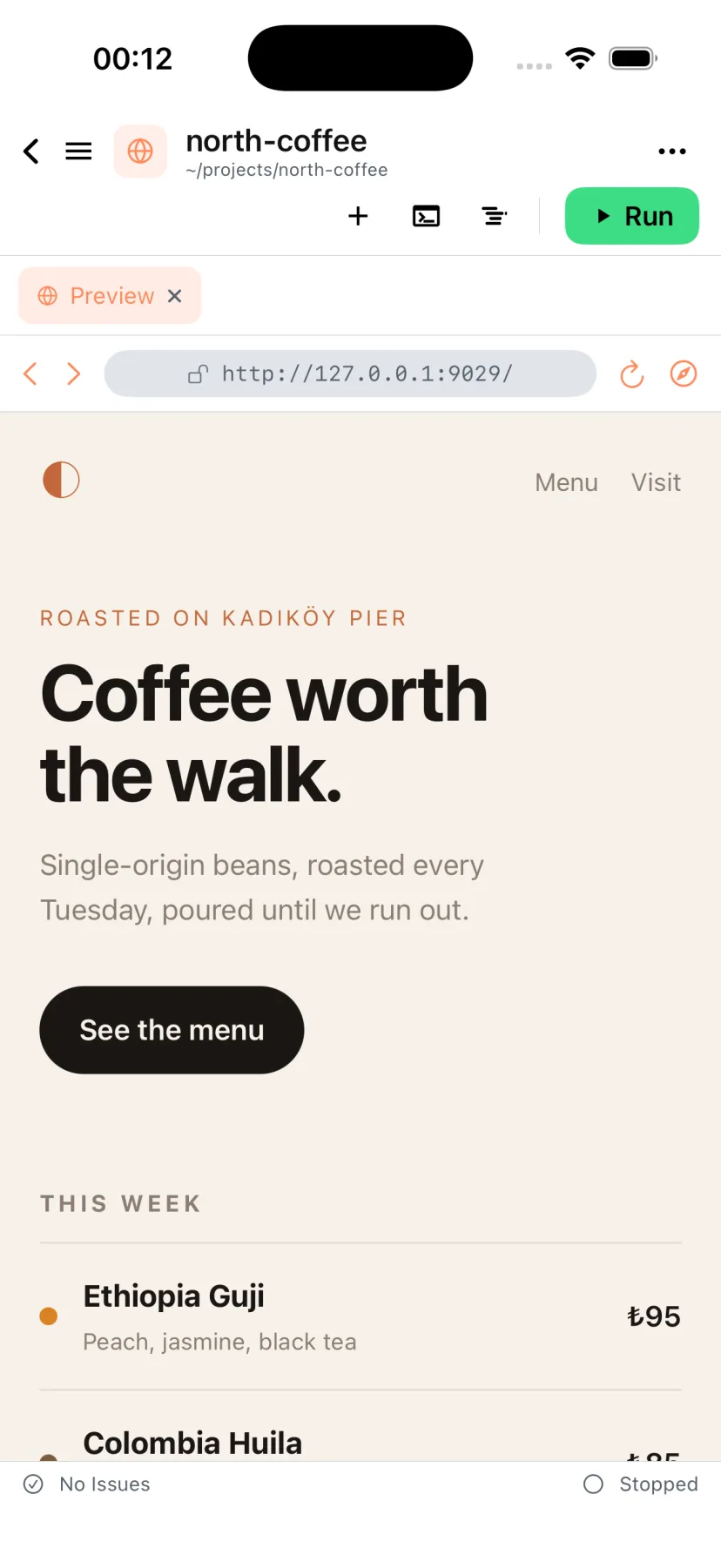
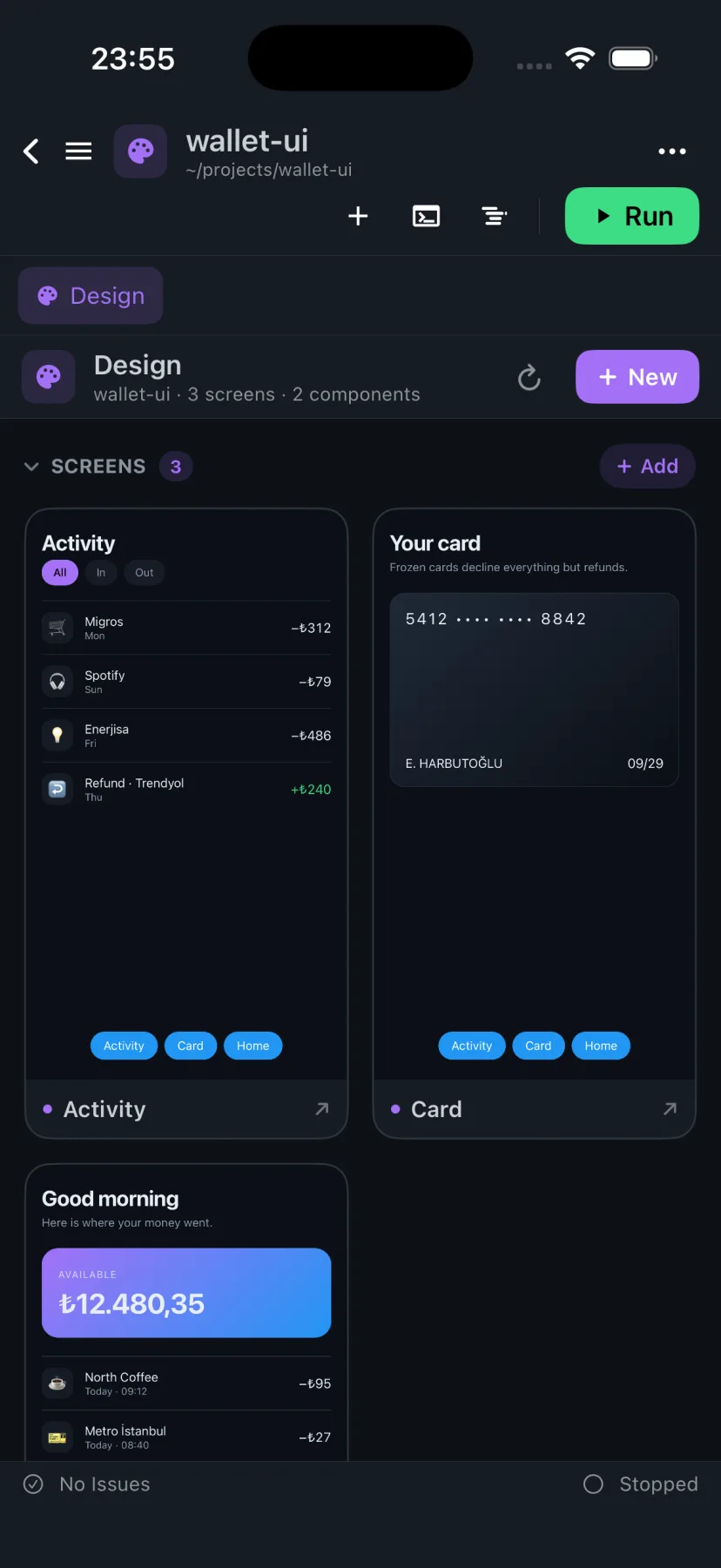
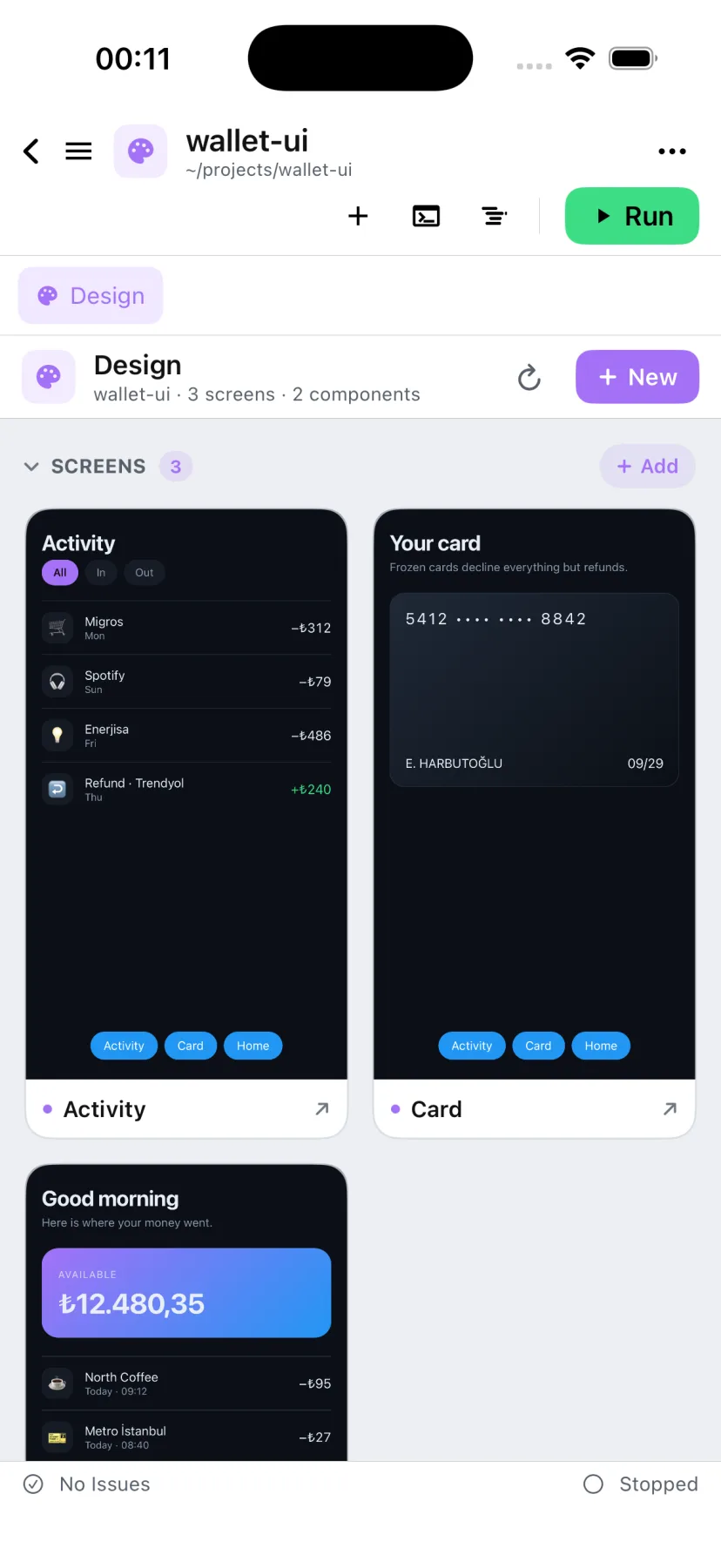
The editor, the terminal, Git and previews are complete in the free tier — nothing is held back to sell you later. Pro is for people working on the device every day: the higher-tier models, no daily ceilings, and no ads between you and a build.
Subscriptions are managed in Google Play or App Store settings and can be cancelled at any time.
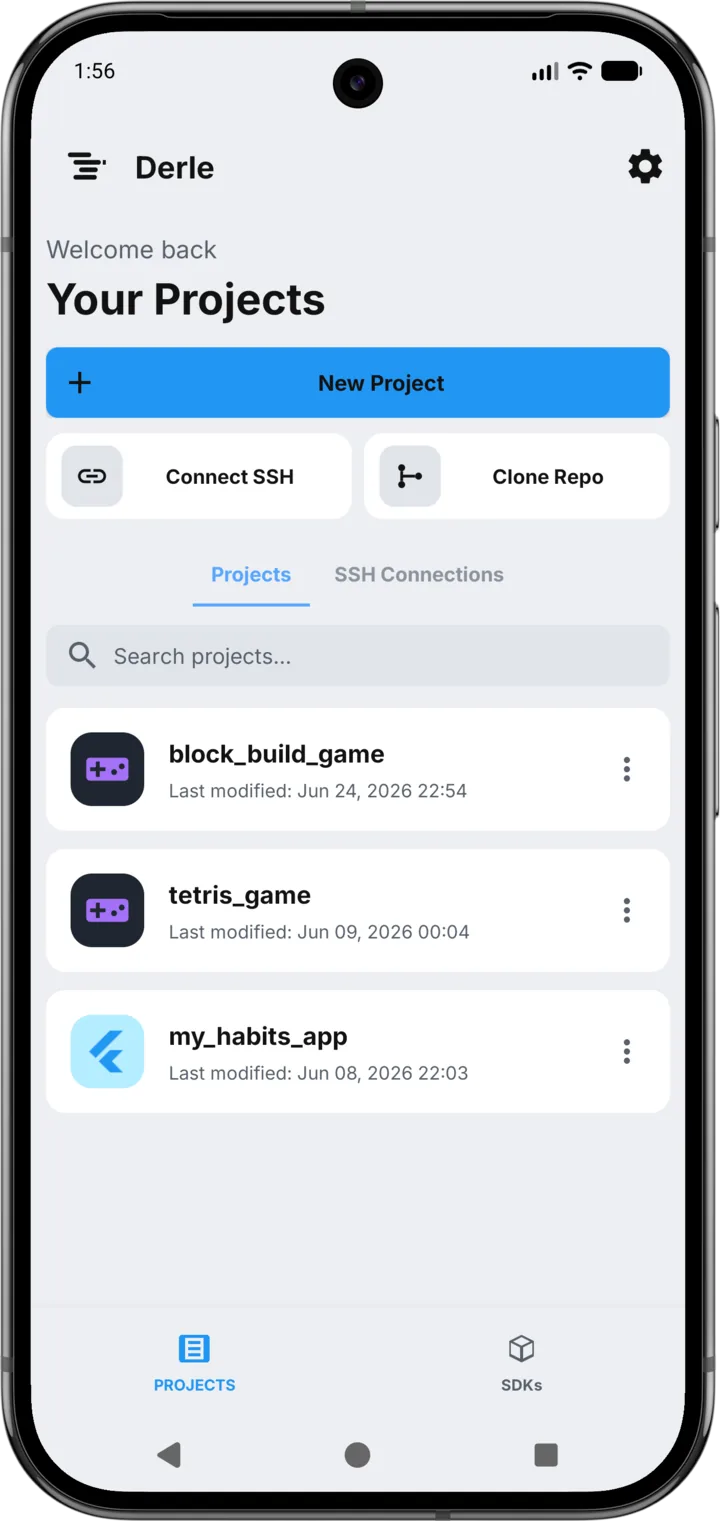
Install Derle, open a template, and have something running in a couple of minutes.
Not by default. Projects, terminal history, Git and SSH credentials and any API keys you enter stay in the app’s private storage. Only what you deliberately send to an AI model is transmitted, and the Privacy Policy sets out exactly what that includes.
No. Derle uses an anonymous, device-bound identity — there is no name, email or password anywhere in the product. It exists so quotas and subscriptions can work, and it never asks who you are.
Yes. Alongside the built-in Derle models you can add your own key for OpenRouter, OpenAI, Anthropic, MiniMax or DeepSeek — or point the app at any OpenAI-compatible endpoint, including Ollama or LM Studio on your own network.
Yes, and not a simulation of one. On Android it is a PRoot userland where you install real toolchains. On iOS the app carries its own ARM64 emulator running an Alpine root filesystem, so unmodified Linux binaries — shell, compilers, Python, Node — execute as they would on a server.
The higher-tier AI models and the infrastructure behind them. The subscription is verified by our backend against Google Play or the App Store, so it follows you across a reinstall without an account to log into.
The same product, honestly scoped to the platform. The editor, terminal, Git, previews and assistant are all there. Building a signed Android APK is not, because that toolchain cannot ship inside an App Store app — see the comparison above.